

What should I prepare before linking a bank card?
Install the official payment app, register with a phone number you can access and have your own card and identification ready. Make sure you can receive any verification requested by your bank while travelling. Follow the identity and card details requested in the app; supported cards and account checks differ between payment products.
How do I add an overseas card?
In the app's bank-card or wallet area, choose the option to add a card and follow the prompts. Complete any issuer verification, then check which card is selected for payment. Linking a card is not the same as loading a wallet balance. Use the current screen instructions if the menu labels differ from an older guide.
Do I scan a code or show my own?
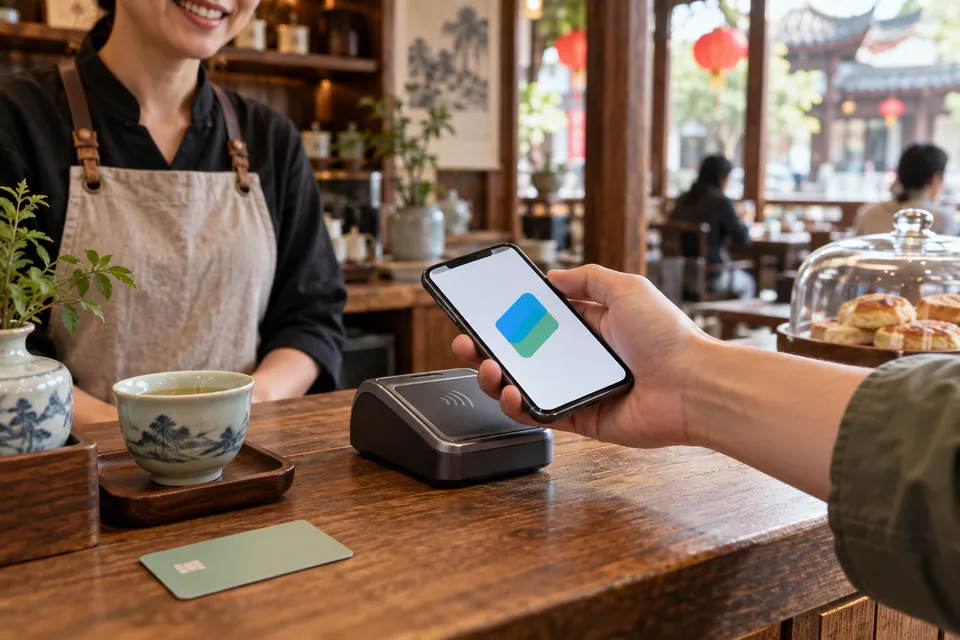
Both methods are used. A merchant may ask you to scan its collection QR code, or scan the payment code displayed in your app. Check the merchant and amount before confirming. Do not assume a friend's personal-transfer request is equivalent to a supported merchant purchase; use the payment method offered for the transaction you are making.
Ministry of Commerce: mobile payment guidance, hosted by Beijing government
What should I do if card linking or payment fails?
Read the exact error and identify which stage failed: app identity checks, card linking, bank authentication or the purchase itself. Confirm that the entered details match your documents and card, then consult the app's support or the card issuer. Before retrying a purchase, check its status so you do not accidentally pay twice. Use your backup method if the issue cannot be resolved at the counter.
Ministry of Commerce: mobile payment guidance, hosted by Beijing government
What fees and limits should I check?
Check the app's confirmation screen and current service agreement for the card, amount and transaction you are using. Also check your bank's foreign-currency and overseas-transaction terms. A fee example from an old guide may not match a different wallet, card or promotion. The planning guide compares payment options; this page helps you complete the setup and payment.
Ministry of Commerce: mobile payment guidance, hosted by Beijing government
Payments guide →What is a sensible backup if my phone payment does not work?
Carry some renminbi cash and a suitable physical bank card. Official visitor guidance includes cash, bank cards and mobile payments, and describes withdrawing renminbi at ATMs displaying the relevant card-network logo. Check merchant acceptance and your bank's withdrawal terms rather than assuming your card will work at every till or cash machine.
State Council portal: payment service guide for overseas visitors